Plant Document Management Software
Keep plant documents, certificates, delivery records and asset history in one place, linked to the right plant, order and contract.
Plant documents become difficult to manage when they are stored separately
Test certificates in one inbox, delivery tickets in a cab, manuals on a shared drive nobody can navigate, photos of damage on someone's personal phone. The records may exist, but retrieving the right one for an audit, insurance query or client review can take unnecessary time.
Missing context also makes it harder to tell which asset, order or movement a document belongs to.
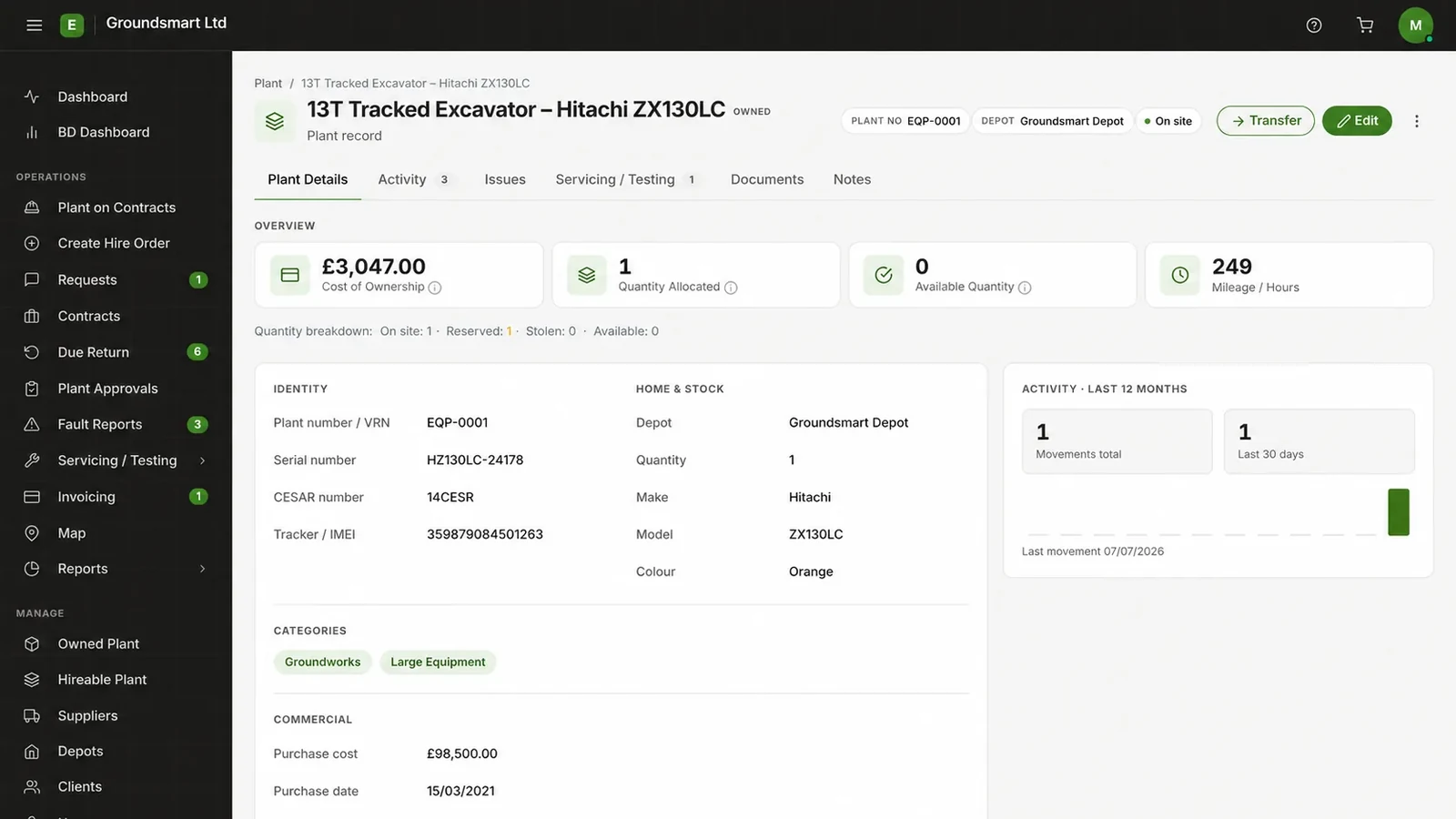
Documents kept where the plant is: on its record
Equipbase stores documents against the records they belong to: certificates and service reports on the asset, delivery documents on the movement, order paperwork on the order. Open the relevant asset, order or movement to find the documents stored against it.
The asset's history and its paperwork build up together, so the story of a machine is one record, not a scavenger hunt: where it's been, what's been done to it, what proves it.
What you can do with plant document management
Documents on assets
Certificates, manuals, photos and reports stored against the specific machine they describe.
Documents on orders
Hire paperwork kept with the order it belongs to, from quote to collection note.
Delivery records on movements
Driver delivery documents stay linked to the movement that produced them.
Certificates with expiry
Certification documents sit alongside the inspection dates they evidence.
History plus paperwork
The asset's timeline and documents in one view, organised for audits and internal reviews.
Selected document visibility
Administrators can mark selected plant documents as visible to site and client users on the relevant contract.
Who plant document management helps
Plant managers
- Find asset documents from the plant record
- Records remain with the business when responsibilities change
Site teams
- Selected certificates available from the relevant contract
- Photos and reports filed where they'll be found
Directors
- Records organised for audits and internal reviews
- Supporting documents retained with their operational context
Frequently asked questions
What file types can be stored?
Equipbase supports PDF, DOC/DOCX, XLS/XLSX, CSV, TXT and JPG/JPEG files. Confirm the configured maximum upload size during onboarding.
Can site users see documents?
Administrators can mark selected plant documents as visible to site and client users on the relevant contract.
Are documents versioned or replaced?
Documents accumulate on the record with their upload details, so newer certificates join the history rather than silently overwriting what was there before.
Where are documents stored?
In Equipbase's cloud storage, scoped to your company. See the security page for how data is held and separated.